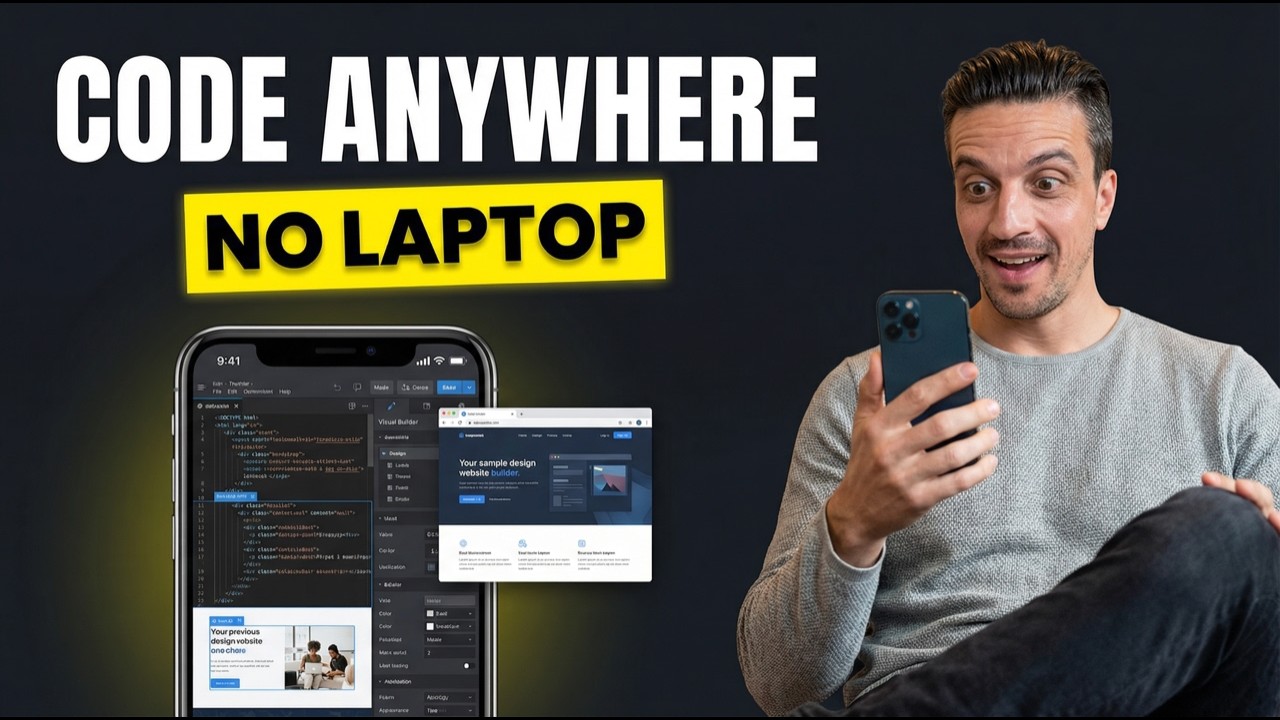
Claude Code Remote Control lets you start a coding session on your desktop and continue it from your phone. One command, one QR code scan, and you can build websites, publish blog posts, deploy to Cloudflare, and run your entire development workflow from anywhere. No VPN, no port forwarding, no complicated setup required.
Why Should You Care About Controlling Claude Code From Your Phone?
Because your best ideas don't always happen at your desk.
Anthropic just launched Remote Control for Claude Code, and it genuinely changes how you can work with AI coding tools. Start a session in your terminal, scan a QR code with your phone, and you're running the same session remotely. Full access to your file system, your MCP connections, your entire development environment.
This isn't some watered-down mobile version. It's the same Claude Code session, just controlled from a different screen. Every tool, every integration, every permission you've set up on your machine is accessible from your pocket.
For anyone running an SEO agency, building client sites, or managing content workflows, this turns dead time into productive time. Waiting at the dentist? Deploy a landing page. Commuting? Publish a blog post. Walking the dog? Kick off a site audit.
How Do You Set Up Claude Code Remote Control?
It takes about 60 seconds. Seriously.
Here's the full setup process:
- Open your terminal and navigate to your project folder
- Launch Claude Code by typing
claudein the terminal - Type
/remote-controland hit enter - Claude Code generates a URL (or you can ask it to turn the URL into a QR code)
- Scan the QR code with your phone's camera
- You're connected
That's it. No VPN configuration. No port forwarding. No complex networking setup. The connection works through Anthropic's servers, so it just works regardless of your network setup.
One tip: if you're feeling lazy (like me), just ask Claude to "turn this URL into a QR code and show me the image on the screen." It'll generate one right there in the terminal. Scan it, and you're off.
What Can You Actually Build From Your Phone?
Anything your desktop Claude Code session can handle. Here are three real examples I tested.
Build and Deploy a Full Website
I asked Claude Code to build a modern landing page using the Astro framework, then push it to Cloudflare Pages. From my phone. The entire thing: component structure, responsive design, SEO metadata, deployment. All done without touching my keyboard.
The key here is starting the session with claude --dangerously-skip-all-permissions. This tells Claude Code to run autonomously without asking for permission at every step (unless it detects something truly risky). For phone-based workflows, this is essential. You don't want to be approving 47 permission prompts on a tiny screen.
Write and Publish a Blog Post
Because my project folder has Webflow MCP connected, I could ask Claude to research a topic, write a blog post, and upload it directly to my Webflow CMS. All from the phone. The blog post appeared in my Webflow dashboard as a draft, ready for review.
This is the workflow I use for the AI Ranking blog. Write content optimized for AI search, structure it with answer capsules so it gets cited by ChatGPT and Perplexity, and publish. Now I can do all of that from my phone.
Run Your Entire Command Center
This is where it gets really powerful. My Claude Code setup has MCP connections to Webflow, Cloudflare, Google Search Console, and even my Meta Ads accounts. That means from my phone I can:
- Check SEO performance across client sites
- Pull ad metrics and pause underperforming campaigns
- Deploy new pages to Cloudflare
- Publish content to Webflow
- Run site audits using DataForSEO
It's like having your entire agency toolkit in your pocket. One of our AI Ranking community members, Steven, manages 800+ location pages and books 105 appointments per month. Imagine being able to monitor and update that operation from anywhere.
How Does This Compare to OpenClaw?
Different tools, different strengths. Here's the honest breakdown.
OpenClaw (recently acquired by OpenAI) is a standalone autonomous coding agent. You give it a task and it works through it independently. It's impressive when it works. The problem? In my experience, it tends to disconnect mid-task. The connection stability just isn't there yet.
Claude Code with Remote Control takes a different approach. You're controlling an existing terminal session on your machine, which means:
- Stability: Your session runs on your computer. The phone is just the interface. If your phone disconnects, the session keeps running
- Access: Everything already connected to your machine (MCP servers, API keys, project files) is available immediately
- Continuity: You can start on desktop, continue on phone, then come back to desktop. Same session, same context
The tradeoff is that Claude Code requires a Max or Pro subscription ($100 or $200/month), while OpenClaw has its own pricing model. If you're already deep into the Claude ecosystem, Remote Control is the obvious choice. If you're exploring options, both are worth testing.
What Do You Need to Get Started?
Here's the checklist:
- Claude Code installed on your Mac or Windows machine
- Claude Max or Pro subscription ($100 or $200/month, required for Claude Code)
- Claude mobile app on iOS or Android
- A project folder with your MCP connections configured (optional, but this is where the real power lives)
If you haven't set up MCP connections yet, that's the force multiplier here. Connecting Webflow, Cloudflare, or Google Search Console to Claude Code means every remote session has access to those tools automatically. Check out our guide on Model Context Protocol to get started.
What Are the Best Use Cases for Remote Control?
The use cases break into two categories: convenience and capability.
Convenience Use Cases
- Quick content publishing: Write and publish blog posts from your phone while you're away from your desk
- Site monitoring: Check Google Search Console data, run quick audits, review rankings
- Client deliverables: Deploy updates or publish content for clients without needing your laptop
Capability Use Cases
- Autonomous builds: Start a full website build, let it run, monitor from your phone
- Multi-step workflows: Kick off research, writing, and publishing pipelines that run end to end
- Agency operations: Manage multiple client projects, each with their own MCP connections and tools
The pattern I've settled into: start the Claude Code session at my desk in the morning with all permissions enabled, then control it from my phone throughout the day as ideas come up. It's like having a coding assistant on call 24/7.
Community member Tim Armstrong used Claude Code to get a client cited by ChatGPT as the "best option in America" for mortgage services. With Remote Control, that kind of optimization work can happen from anywhere.
Frequently Asked Questions
Does Remote Control work on both iOS and Android?
Yes. You need the Claude mobile app from the App Store or Google Play. Scan the QR code or paste the URL, and the session connects.
Is there a security risk with Remote Control?
The connection routes through Anthropic's servers with authentication. Your code and files stay on your machine. The phone just sends instructions and receives output. It's no different from SSH in terms of security model, just with a much simpler setup.
Can I use voice input on my phone to control Claude Code?
Not natively yet, but you can use your phone's built-in voice-to-text keyboard to dictate instructions. It works surprisingly well for describing what you want Claude to build or fix.
Do I need a fast internet connection?
You need a stable connection, but it doesn't need to be fast. The data being transferred is text (your instructions and Claude's responses), not heavy files. Standard mobile data works fine.
What happens if my phone disconnects?
Your Claude Code session keeps running on your computer. Just scan the QR code again to reconnect. You won't lose any progress.
Ready to Try It?
Remote Control is available right now for all Claude Code users on Max and Pro plans. Open your terminal, type claude, then /remote-control, and scan the QR code.
If you want to take your setup to the next level (MCP connections, command center workflows, AI search optimization), the AI Ranking community is where 470+ SEO practitioners are building with these tools every day. We cover Claude Code workflows, GEO optimization, and the tools that actually move the needle for rankings and revenue.
Watch the full walkthrough on YouTube: Control Claude Code From Your Phone (New Remote Control Feature)