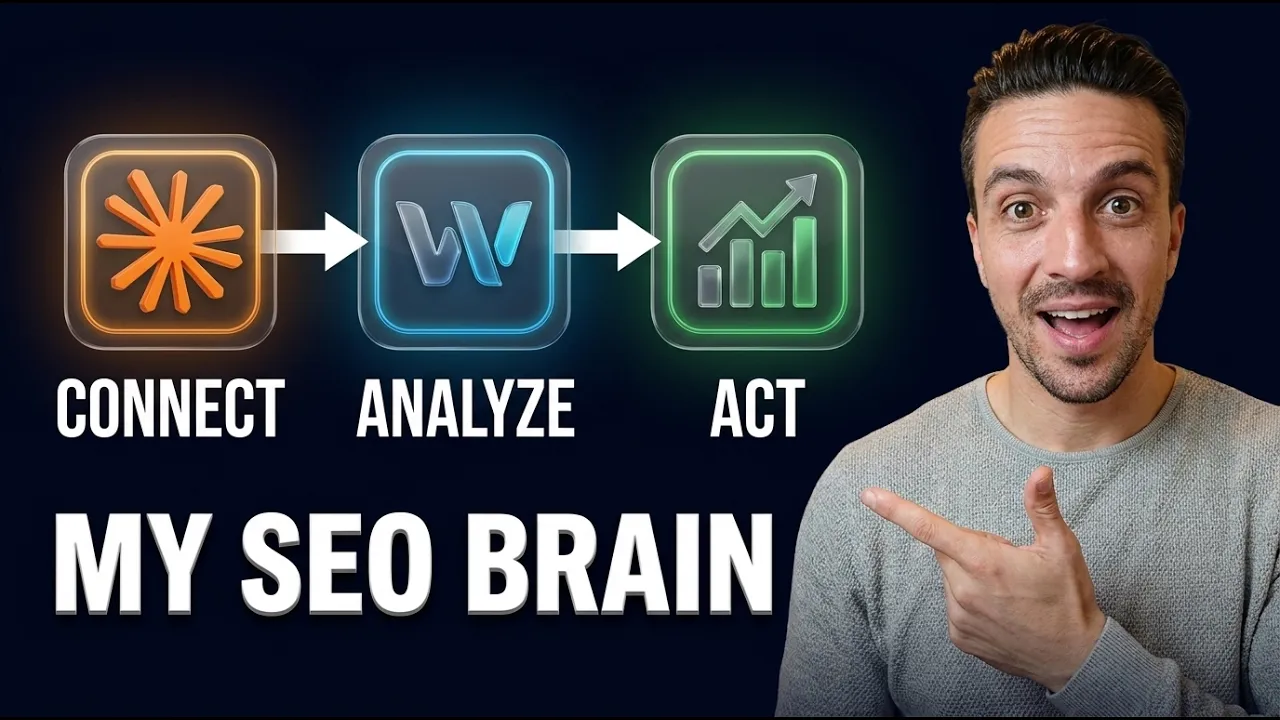
Connecting Claude to your live data used to be a fragile, MCP-breaking nightmare. With Windsor.ai you connect 325+ data sources in one click, then hand Claude one prompt to build a live SEO dashboard that joins Analytics, Search Console, and YouTube. The real unlock is a self-learning loop where Claude reads the data and fixes your site too.
Why connect Claude to your live SEO data at all?
Because a chatbot that cannot see your numbers can only give you generic advice, and a chatbot that can see your numbers becomes a strategist. Once Claude has a bird's eye view of your Google Analytics, Search Console, and YouTube data together, it stops guessing and starts telling you exactly what is bringing in the right traffic, what is underperforming, and where your quick wins are hiding.
That is the difference between asking "how do I improve my SEO?" and asking "which of my pages lost the most clicks last month and what should I fix first?" The second question only works when the data is actually plugged in.
This matters more in 2026 than ever, because AI search traffic now converts roughly five times better than traditional organic clicks. When every visit is worth more, knowing precisely where your good traffic comes from is no longer a nice-to-have. It is the whole game.
Why is connecting data to Claude usually such a nightmare?
Because stitching together separate platforms like Google Search Console, Google Analytics, and YouTube through individual MCP servers breaks constantly. You end up spending more time fixing the connection than doing actual work.
It gets worse the moment you want to add Meta Ads, TikTok, Google Ads, or anything else. Each one is its own auth flow, its own quirks, its own thing to babysit. Most people give up and go back to manually exporting CSVs, which defeats the entire point of having an AI assistant.
The fix is to stop connecting things one fragile pipe at a time and route everything through a single stable connector instead. That is what turns this from a weekend of debugging into an eight-minute setup.
What is Windsor.ai and how does it fix the connection problem?
Windsor.ai is a single connector that plugs 325+ platforms into Claude with one click each, and the connection stays stable instead of breaking every other day. Think of it as the universal adapter between your data and your AI.
The list of what you can connect is huge: Google Analytics (GA4), Google Search Console, YouTube, Meta Ads, TikTok, Google Ads, Instagram, LinkedIn, and hundreds more. And it is not Claude-only. If you run a different model, Windsor.ai has connections for GPT and other AIs too, so the workflow is not locked to one vendor.
Here is the setup, step by step:
- Create your account and log in (the basic plan is plenty to start).
- Search for your platform in the left-hand panel, for example Google Analytics, and sign in to the Google account that owns the data.
- Select the exact account you want to expose, then choose Claude Code / Cowork as the destination. Windsor.ai even hands you the exact installation guide.
- Click connect in the directory, hit the connect button, and you are done.
Repeat that for each source you care about. If you do SEO and YouTube, connect Analytics, Search Console, and YouTube. If you run an agency on paid traffic, connect Meta Ads and Google Ads instead. Same process either way.
Want the prompt and the full repeatable system behind this? It is the same philosophy as the four Claude Code systems that run my entire SEO workflow: build it once, then let it run.
What is the auto-approve tip that speeds everything up?
In Windsor.ai's customize settings, find the connector and allow everything instead of leaving approval required on every call. If you skip this, Claude stops and waits for you to click approve on every single data fetch, which kills the workflow.
The reason this is safe right now is that the connection is read-only: it gets data, it does not act on your behalf. So letting it pull freely costs you nothing but saves you a hundred permission clicks.
Heads up: Windsor.ai is reportedly adding write actions soon (posting for you, even running your ads). Once that ships, you will want to tighten permissions back up and keep approval on for anything that takes action. Read access, allow it all. Write access, gate it.
How do you verify Claude is actually pulling the right data?
Test each connection with a simple question the moment you make it, then cross-check the answer against the source platform. Trust, but verify.
After connecting Google Analytics, I asked Claude something basic: "Using the Windsor.ai MCP, what was the traffic source that brought the most traffic to AI Ranking over the past 30 days?" You can see it working because the little Windsor icon appears while it fetches. It came back with direct as number one, and a YouTube source second at 471 sessions.
Then I opened Google Analytics, set traffic acquisition to the same last-30-days window, and checked YouTube: 471 sessions. Exact match. The data lines up, so I know the connection is solid.
Do this for every source as you add it. It takes ten seconds and it means you are never building strategy on top of a broken pipe.
What is the exact prompt that builds the dashboard?
Once your connections are live, you give Claude a single instructions file (an MD file) that tells it how to join the data and build the dashboard, and it does the rest. No manual chart-building, no Looker Studio wrestling.
If you do not work with Analytics, Search Console, and YouTube and instead run ads, you use a meta prompt to design your own version. Something like: "You have these connections for Meta Ads and Google Ads. Understand the incoming data and tell me the best way to build a dashboard that joins these data sets in a digestible format." That phrase, "digestible format," is the magic direction. It pushes Claude toward a dashboard that actually makes sense instead of a wall of numbers.
The output is a live artifact you can read, restyle in any direction you want, and share with your team or clients. Compare that to free reporting tools like Looker Studio, which can be a nightmare to wire up and do not let you chat with the data afterwards. Here, you just ask.
This is the same "Claude as your analyst" idea behind turning Claude into your own personal SEO assistant, except now it is reading your real numbers instead of working blind.
What does the dashboard actually tell you?
It sorts everything into three buckets: what's working, what needs work, and where your quick wins are. That framing is what turns raw data into a to-do list.
Instead of staring at a Search Console export trying to spot patterns, you get pages flagged by status, traffic sources ranked by what converts, and YouTube videos sorted by which ones actually drive business (not just views). The dashboard joins it all so you see, for example, that a YouTube source is your second-biggest traffic driver and decide whether to lean into it.
This is the reporting problem and the connection problem solved at the same time. And because it is a live artifact, you share it with a teammate or a client in one link, no exports required.
Community win: William Moon, a financial advisor in Arizona, used this kind of "find the underperformer, then fix it" approach to take one page from a 0.3% click-through rate to 2.3%, then closed a $165,000 deal off the back of it. The dashboard tells you which page. The fix turns it into revenue.
How do you turn this into a self-learning SEO loop?
You connect Claude not just to your data sources but to your website builder too (WordPress, Webflow, or whatever you use), so it can read the data, suggest the fix, and then actually make the change. That is the mastermind moment.
The simplest version is to end your session by asking Claude, "Based on this dashboard, what should I fix this week?" It reads the numbers and hands you a prioritised action list, not a vague report. The advanced version wires the website connection in so Claude can go and implement those fixes directly.
You can take it further still by adding schedules, so Claude reviews the data and takes action on a recurring basis without you touching anything. But here is the non-negotiable: keep a human in the loop. Build a gate where someone reviews before changes go live, because no matter how good Claude is, it can make mistakes, and you never want it running a part of your business completely unsupervised.
Community win: Steven runs 800-plus location pages generating around 105 appointments a month, with new pages indexing in under an hour because his on-site structure is dialled in. That is the kind of operation where a data-to-action loop earns its keep, and it is the same systems-feed-each-other approach behind 4 automated local SEO systems pulling 99 bookings a month.
What should you connect next?
Connect whatever maps to how you actually make money, then save the whole workflow as a reusable Skill so you can run it in seconds. For most people that means going beyond the basics into Meta Ads, TikTok, Google My Business, WordPress, or Webflow.
A few high-leverage next steps:
- Google My Business: soon you will be able to read reviews and have Claude draft (or post) responses automatically.
- Meta Ads and Google Ads: join paid and organic in one dashboard so you finally see the full funnel.
- WordPress or Webflow: this is the one that unlocks the self-learning loop, because it lets Claude fix things instead of just suggesting them.
Package the connections plus the dashboard prompt as a Skill and your weekly reporting drops from hours to a single command. That is the payoff: a setup you build once and reuse forever.
Frequently Asked Questions
Is connecting Claude to my data through Windsor.ai safe?
Yes, because the current connection is read-only: it fetches data but cannot act on your behalf. That is why the auto-approve tip is safe to use. When Windsor.ai adds write actions (posting, running ads), tighten permissions and keep manual approval on anything that takes action.
Do I need Windsor.ai, or can I use MCP servers directly?
You can use individual MCP servers, but connecting multiple platforms that way tends to break often and eats more time than it saves. Windsor.ai routes 325+ sources through one stable connector with a one-click setup per source, which is why it is the easier path for a multi-source dashboard.
Does this only work with Claude?
No. Windsor.ai supports connections for GPT and other AI models too, so the same data pipeline works even if Claude is not your tool of choice. The dashboard prompt approach carries over.
Can Claude actually fix my website, or just report on it?
It can do both, but only if you connect it to your website builder (WordPress, Webflow, and similar). With that connection in place, Claude can implement changes directly. Without it, you get analysis and recommendations you apply yourself. Either way, keep a human reviewing before changes go live.
What is the fastest way to reuse this every week?
Save the connections plus your dashboard prompt as a reusable Claude Skill. Then your entire weekly report becomes a single command instead of a manual rebuild. This pairs well with the broader AI SEO strategy checklist for 2026.
Want to build your own SEO mastermind?
Connecting your data to Claude is the moment SEO stops being guesswork and starts being a feedback loop. One click per source, one prompt for the dashboard, one weekly question about what to fix, and an optional human-gated loop that lets Claude do the fixing.
Inside the AI Ranking community we hand you the exact dashboard MD file, the connection walkthroughs, and the Skills to run it weekly in seconds, plus support wiring it into your own site. It is the same system members like William and Steven use to turn data into ranked pages and booked revenue. The link is below.
Resources
- Watch the full video: I Made Claude My SEO Mastermind in 8 Minutes
- Windsor.ai (use code AIRANKING for 15% off)
- I Built 4 Claude Code Systems That Run My Entire SEO Workflow
- Turn Claude Into Your Own Personal SEO Assistant
- 4 Automated Local SEO Systems (99 Bookings a Month)
- The AI SEO Strategy Checklist for 2026
- Ahrefs: AI search traffic conversions