Claude Code's new Remote Control feature, announced on February 25, 2026, lets you start a local terminal session and continue it from your phone, tablet, or any browser. Your code, files, MCP servers, and project configuration stay on your local machine while you interact remotely. For developers, SEO professionals, and content creators, this means your full local environment is always one tap away.
What Is Remote Control?
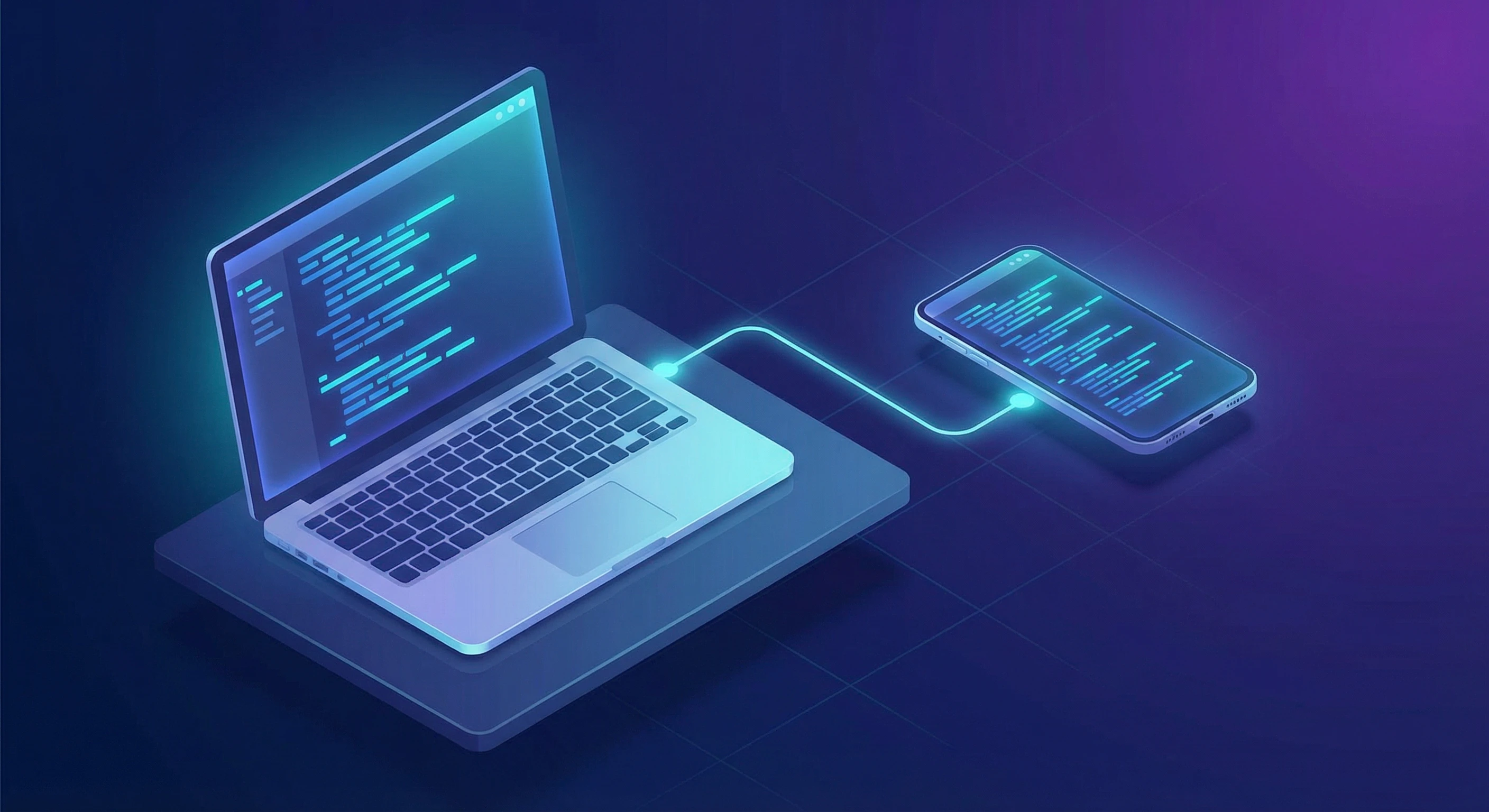
Remote Control connects your local Claude Code terminal session to claude.ai/code or the Claude mobile app (iOS/Android). Your code, files, MCP servers, and project configuration stay on your local machine. The phone or browser simply acts as a window into that running session.
Think of it like SSH into your own machine, but with the full Claude Code interface.
How to Set It Up
Starting a fresh remote session:
Navigate to your project directory and run:
claude remote-control
This keeps the process running in your terminal and gives you a session URL. Press spacebar to display a QR code you can scan with your phone.
Converting an existing session:
If you're already mid-conversation with Claude Code, just type:
/remote-control
Or the shorthand: /rc
Your full conversation history carries over. Pro tip: use /rename first to give the session a descriptive name so you can find it easily on your phone.
Making it automatic:
Run /config inside Claude Code and set "Enable Remote Control for all sessions" to true. Every session will be accessible remotely by default.
Requirements
- A Pro or Max subscription (not available on Team or Enterprise plans yet)
- Sign in via
/loginin Claude Code - Accept the workspace trust dialog by running
claudein your project directory at least once
How Remote Control Changes Daily Work
The real power of Remote Control isn't the technology itself. It's the workflows it unlocks. Here are the most practical use cases across different roles.
1. Software Development: On-Call Without the Laptop
If you're an on-call engineer and a production alert fires while you're away from your desk, you can start a claude remote-control session on your work machine before leaving, open it on your phone when the alert comes in, ask Claude to investigate logs, check error rates, or even draft a hotfix, and review the proposed changes right from your phone screen.
Your full local dev environment is available: databases, Docker containers, environment variables, custom scripts. Claude isn't working in a sandboxed cloud; it's working on your actual machine.
Pair programming gets easier too. Start a session, share the URL with a colleague, and collaborate asynchronously without screen sharing or Zoom calls.
2. SEO Workflows: Run Audits and Research From Anywhere
If you use Claude Code for SEO (with tools like the DataForSEO MCP server or custom audit scripts), Remote Control makes your workflow significantly more flexible.
Kick off audits and check results later. Start a remote control session, then from your phone: ask Claude to run a full on-site SEO audit on a client's domain, request keyword research for a new campaign, pull ranked keyword exports and have Claude analyze the data, or generate client-ready HTML reports.
Previously, you'd need to sit at your computer while an audit runs. Now you can start the analysis, step away, and review results from your couch or during a commute.
Practical SEO Tasks You Can Handle Remotely
- Keyword gap analysis: "Compare our ranked keywords against competitor.com and find opportunities we're missing"
- Content briefs: "Generate a content brief for the keyword 'best project management software' with search intent, recommended headings, and competitor analysis"
- Technical audits: "Crawl example.com and generate a report of all pages with missing meta descriptions, broken links, and slow load times"
- Backlink monitoring: "Check our backlink profile and flag any new toxic links from the past week"
Since your MCP servers and API credentials live on your local machine, you get the same data access remotely that you'd have sitting at your desk.
Publish Directly From Your Phone With MCP Integrations
This is where it gets really powerful. If you've connected your website to an MCP server (like the Webflow MCP), you're not just analyzing your site remotely. You're managing and publishing to it. From your phone, you can update CMS collection items, page content, and metadata in Webflow, publish site changes live without ever opening your laptop, and add new blog posts, edit existing pages, or swap out assets.
Imagine you spot a typo on your live site while you're out. Pull up your Remote Control session on your phone, tell Claude to fix the copy in Webflow, and publish. Done before you finish your coffee.
Build and Deploy Entire Sites From Your Phone
Here's something that would have sounded absurd a year ago. With the Cloudflare MCP server connected, you could start a Remote Control session and tell Claude to scaffold a brand new Astro site from scratch on your local machine, build out the pages, components, and content, then deploy it to Cloudflare Pages.
All from your phone. Claude has access to your local terminal (npm, node, git), your file system, and the Cloudflare API through MCP. You could literally be sitting on a train, building and shipping a website. The local machine does the heavy lifting; your phone is just the control panel.
3. Writing and Content Creation: Draft Anywhere, Publish From Your Machine
For bloggers and content creators, Remote Control turns Claude Code into a mobile-friendly writing assistant that has direct access to your file system, publishing tools, and connected platforms.
The Mobile Writing Workflow
- Set up a
claude remote-controlsession in your blog's project directory - From your phone during downtime, tell Claude: "Draft a 1,500-word blog post about [topic] and save it to /posts/drafts/"
- Later, review the draft on your phone: "Read back the draft you wrote and suggest three alternative headlines"
- When you're back at your desk, the file is already saved locally, ready to edit and publish
- Or skip step 4 entirely: if your site runs on Webflow, tell Claude to create the CMS item and publish it right from your phone
Why This Beats a Regular Chat With Claude
- Claude can read your existing blog posts to match your writing style and tone
- It can check your site's content calendar or editorial guidelines stored locally
- It saves files directly to your project, no copy-pasting between apps
- If you have a static site generator (Hugo, Jekyll, Astro), Claude can create properly formatted posts with frontmatter, save them in the right directory, and even run a build to preview
- With a CMS MCP connection (like Webflow), Claude can publish content directly to your live site without you touching a dashboard
Content Repurposing on the Go
- "Take my latest blog post and create 10 Twitter threads from it"
- "Convert the case study PDF in /documents/ into a LinkedIn article"
- "Generate meta descriptions for all blog posts that are missing them" (combining writing with SEO)
4. Data Analysis and Reporting
If you work with data (CSV files, databases, API exports), Remote Control lets you trigger analysis remotely and review results on your phone.
- "Read the sales data CSV on my desktop and create a summary with month-over-month trends"
- "Query the local database for all customers who signed up this week and export the results"
- "Generate a chart comparing Q4 performance across product lines"
Claude has access to your local Python environment, so it can use pandas, matplotlib, or any library you have installed, all triggered from your phone.
5. Project Management and Automation
Remote Control is particularly useful for tasks that benefit from asynchronous interaction:
- Code reviews: Start a session, ask Claude to review a PR, and read the feedback later from your phone
- Documentation: "Go through the /src directory and update the README with current API endpoints"
- Dependency updates: "Check for outdated npm packages and create a summary of what needs updating, including breaking changes"
- Email drafts and communications: If Claude has access to your templates and context files, you can draft client emails and proposals remotely
Tips for Getting the Most Out of Remote Control
Name Your Sessions
Before running /remote-control, use /rename to give the session a descriptive name like "Client Audit - March" or "Blog Drafts." This makes it much easier to find the right session on your phone.
Keep Your Terminal Open
Remote Control runs as a local process. If you close the terminal or your machine sleeps for more than about 10 minutes, the session times out. For long-running remote sessions, consider keeping your laptop plugged in with sleep disabled, using a screen manager like tmux or screen to keep the process alive, or running it on a desktop machine that stays powered on.
Use the QR Code
Press spacebar during claude remote-control to toggle the QR code display. Scanning it with your phone opens the session directly, no URL copying needed.
Security Considerations
All traffic goes through Anthropic's API over TLS (the same encryption used for regular Claude Code sessions). Your machine only makes outbound HTTPS requests and never opens inbound ports. Connection credentials are short-lived and scoped to individual purposes.
Remote Control vs. Claude Code on the Web
It's worth understanding when to use Remote Control versus Claude Code's web-based option.
Remote Control: Code runs on your local machine. Full local file access. MCP servers available. Best for continuing local work remotely. Requires a terminal session running.
Claude Code on the Web: Code runs on Anthropic's cloud. No local file access. No MCP servers. Best for starting fresh without local setup. No setup needed.
If you need your local environment (custom tools, local databases, project files), use Remote Control. If you want to spin up a quick task without any local dependencies, Claude Code on the Web is simpler.
The Bigger Picture
Claude Code has been on a remarkable trajectory. It recently hit a $2.5 billion annualized run rate, and roughly 4% of all public GitHub commits are now authored by Claude Code. Remote Control represents a shift from "AI pair programmer" to "AI assistant that works when you can't."
The ability to maintain a persistent, context-rich session that follows you across devices eliminates one of the biggest friction points in AI-assisted workflows: context switching. You no longer have to re-explain your project, re-attach files, or start from scratch when you move from desktop to mobile.
For SEO professionals, writers, and knowledge workers, this means the tools and data on your machine are always one tap away, whether you're at your desk or in line for coffee.
Getting Started
- Make sure you have a Pro or Max Claude subscription
- Update Claude Code to the latest version
- Run
claudein your project directory and sign in with/login - Start a session with
claude remote-control - Scan the QR code with your phone
That's it. Your local machine just became accessible from anywhere.
Remote Control is currently in research preview for Max users, with Pro user access rolling out soon.