Most AI website videos ignore what happens after day one. This walkthrough combines Google Stitch, Claude Code, and Nano Banana Pro inside WordPress Studio to ship a local service business site (5 to 15 pages) that is SEO-ready, handoff-friendly, and built to evolve. WordPress still powers over 40% of the top 10 million sites, so this workflow is still incredibly valuable in 2026.
Why Does WordPress Still Win in 2026?
Because the best website is not the one that looks incredible on launch day, it is the one that keeps on working for months and years into the future. WordPress currently powers over 40% of the top 10 million websites on the internet, which means your client (or the next agency they hire) already knows how to edit it.
Most AI website videos skip the part where the site needs to evolve. You see a slick homepage, a drum roll, and then nothing about plugins, forms, schema, or what happens when the owner wants a new service page next Tuesday. WordPress is boring in exactly the right way for local service clients.
The problem was never WordPress. Almost nobody has been building WordPress sites with the modern AI stack. Let's fix that.
What Tools Do You Need for This Build?
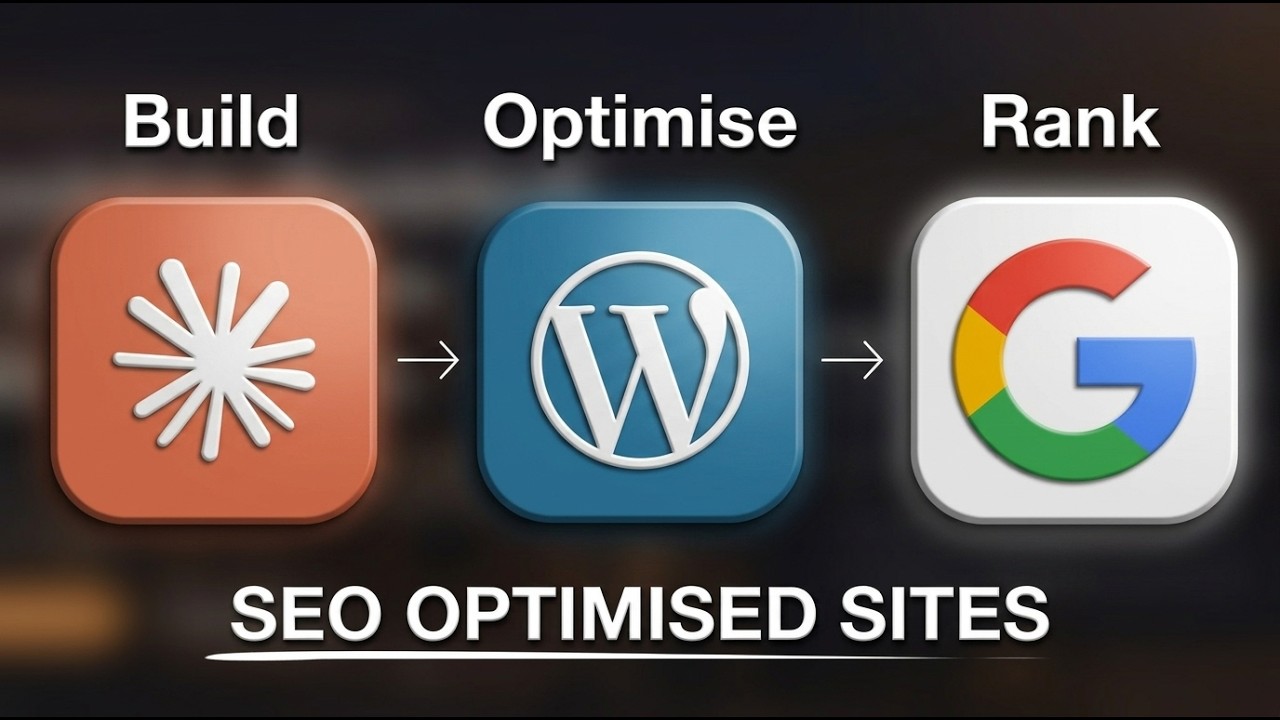
You need three things, and two of them are free. The stack is WordPress Studio (local dev), Google Stitch (front-end design), and Claude Code with Nano Banana Pro for building and generating on-brand WebP images.
The short list:
- WordPress Studio: a free local WordPress environment by WordPress. Download it for Mac or Windows, or install it via CLI. Studio spins up a fully functional WordPress site on your machine with zero server setup.
- Google Stitch: a free (at time of writing) front-end design tool from Google. Great at homepages, services pages, and mobile app screens. We use it only for the style guide and layout reference.
- Claude Code inside Studio: Studio ships with a Claude MD file, an agents file, and pre-built skills for the Studio CLI. This is the piece that makes Claude Code the right tool for building websites in 2026.
- Nano Banana Pro API key: grab this from Google AI Studio so Claude Code can generate images directly inside the project.
One caveat: this workflow is optimized for local service businesses that need 5 to 15 pages. If you are building an e-commerce store or anything more dynamic, stick with WordPress and add a builder like Kadence or Elementor.
How Do You Design the Homepage in Google Stitch?
Start with a brand brief, not a blank canvas. Ask Claude (or any LLM) to generate a fake business doc with the name, tagline, positioning, NAP (name, address, phone), service areas, services, and credentials. Download it as a TXT file.
Then open Google Stitch, switch to the web workspace, and select Thinking with 3.1 Pro for more processing power. Upload the TXT file and prompt something like: "Create a homepage design for the business in the attached TXT file. Make it modern, with one cool and quirky callout color for CTAs."
Stitch will generate a homepage. If you want changes, ask for them. Stitch never overwrites previous versions, it creates a new one each time, so you can always walk back to the version you liked.
What you actually want from Stitch: the style guide and color palette. The layout is a nice bonus, but the real value is the consistent look and feel that you will feed into Claude Code in the next step. Right-click the design you like, download it, and keep it close.
How Do You Set Up WordPress Studio Locally?
Open Studio by WordPress, click Add a site, and name it after your client (we used "Copper State Electric" for a fake Arizona electrician). Studio creates a local folder with the full WordPress install.
Go to Settings and scroll to the bottom. You will see AI Skills and Agent Instructions panels. This is where you install the Studio CLI, which gives Claude Code the ability to build pages, inject plugins, and control form plugins like WP Forms. Restart Studio after install if needed.
Open the local folder in VS Code (or your editor of choice). You will see:
- A
Claude.mdfile - An
agentsfolder - A
skillsfolder loaded with MD files for the Studio CLI
That is the unlock. Studio is shipping pre-built Claude skills for WordPress, which is why the AI build quality in this setup is meaningfully higher than prompting a blank WordPress install.
Community win: Steven, an AI Ranking member, used a similar local-first, SEO-ready workflow to ship 800+ location pages that indexed in under an hour each. Result: 105 booked appointments from organic traffic in a single month.
How Do You Plan the Build with Claude Code + Ultra Think?
Before you let Claude write a single line, switch it to Plan Mode and enable Ultra Think (you will see the prompt turn rainbow). Plan mode forces Claude to outline the full build first so you can catch mistakes before any code ships.
Drop in the business TXT file and write a prompt along the lines of:
"Look through the TXT file. That is all the information for the website we are building in this project. Follow the best practices in the docs. First, think about the site structure. Once you are ready, we can build. Make sure everything is SEO optimized and follows best practices."
Claude will read the skills, propose a plan (plugins like Rank Math and WPForms Lite, page structure, schema, critical files, build sequence), and wait for approval. This is the same discipline we teach inside the AI Ranking community: plan first, verify, then build.
Approve the plan, let Claude bypass permissions, and walk away for 20 to 30 minutes.
What Should the First Build Actually Include?
A functional, SEO-first skeleton with schema, service pages, a blog, and a working lead form. The point is not perfection on run one, it is a serviceable v1 that you can iterate on.
What Claude Code shipped on the first pass:
- Homepage with hero, services, reviews, FAQ, and CTA
- Individual service pages (rewiring, EV installs, panel upgrades)
- Service area pages (Scottsdale, Mesa, Paradise Valley)
- Correct schema: FAQ schema and Electrician (LocalBusiness) schema
- Clean H1, H2, and meta structure
- Blog set up with a working "Hello World" test post
- WPForms install for lead capture
- Rank Math for on-page SEO
Pop open the site at localhost and check it with the SEOWallet Chrome extension. You should see valid schema, proper heading hierarchy, and meta descriptions everywhere. If anything looks off (a CTA button that is invisible on dark backgrounds, a weirdly centered container), screenshot it and send it back to Claude with fix instructions.
How Do You Generate On-Brand Images with Nano Banana Pro?
Tell Claude Code to generate in WebP format, not PNG. Always. WebP is Google's image format for faster page loads, and Nano Banana defaults to PNG unless you tell it otherwise.
Before generating anything, ask Claude to write a style guide for images first: camera model, focal length, lighting, color treatment. Pin that guide somewhere in the project so every image Claude generates matches. Consistency is the difference between a site that looks designed and a site that looks AI-generated.
Prompt example:
"Create a style guide for all images on this site. Include camera, focal length, lighting, and color treatment. Then generate the hero and service page images in WebP using that guide."
This one rule (WebP + a locked style guide) dramatically improves how coherent the final site feels. Image-heavy pages are also a major factor in AI search citations, because models often ingest alt text and surrounding context.
What SEO Fundamentals Must Be Non-Negotiable?
Each services page and area page needs to be at least 50% unique content compared to the others. This applies to written copy, images, image descriptions, schema, titles, and meta descriptions.
This matters because Google (and LLM-based search) will otherwise collapse near-duplicate pages into a single result. We covered this pattern in depth in AI website builders miss SEO fundamentals, and it is the number one reason programmatic service sites flop.
Checklist before you hand off:
- Rank Math SEO installed, every page has a unique title and meta description
- WPForms Lite installed with a tested submission path
- Every service page has unique H1, H2, and body copy
- Every area page has location-specific context (not just a swapped city name)
- Schema validates:
LocalBusinesson the homepage,Serviceon service pages,FAQPageon the FAQ - Images in WebP with descriptive alt text
- Internal links between services, areas, and blog posts
If any of those are missing, loop back to Claude with a screenshot and ask for a fix. That is the whole job.
Why Hand Off on WordPress Instead of a Modern Builder?
Because your client's next agency, VA, or marketing hire almost certainly knows WordPress. Handoff is the real test of a good build.
Webflow is my personal favorite for the sites I run, but clients inherit websites and those inheritors tend to panic when they open something they have never seen. A WordPress dashboard with Rank Math, WPForms, and a clean block editor is something they can actually keep up to date.
Community win: Tim Armstrong, another AI Ranking member, had a client land a mortgage lead directly from a ChatGPT recommendation where the AI called the client "the best option in America." That only happens when the site is technically sound and editable over time, not just pretty on launch day.
Frequently Asked Questions
Is WordPress still worth using in 2026?
Yes, for local service businesses and content-driven sites that need long-term editability. WordPress still powers over 40% of the top 10 million sites, and the AI tooling (WordPress Studio + Claude Code skills) has caught up fast.
Do I need coding skills to use WordPress Studio with Claude Code?
No. Studio ships with pre-built skills and an agent config. You direct Claude in plain English. Basic familiarity with the WordPress admin helps, but the build itself is prompt-driven.
Is Google Stitch required?
No, but it saves hours of back-and-forth on design. Stitch gives you a locked style guide and layout reference before Claude starts building, which reduces rework by a big margin.
What about AI Overviews and SearchGPT citations?
The same SEO fundamentals apply (clean schema, unique content, source links, real author bios). For the full playbook, read How to do SEO for SearchGPT and our AI content writing checklist.
How long does the full build take?
Roughly 45 to 90 minutes of active work, plus 20 to 30 minutes of unattended build time while Claude works through the plan. Image generation adds another 15 to 20 minutes.
Ready to Rank Whatever You Build?
Whether your client's site lives on WordPress, Webflow, Astro, or something more exotic, ranking it is a separate skill.
Inside the AI Ranking community you get the full workflow for getting local service sites cited in ChatGPT, Google AI Overviews, Perplexity, and traditional search. You can try it risk-free for 7 days, and members now get access to the in-house SEO tool for keyword research, competitor analysis, AI visibility tracking, and backlink audits, all included with membership.
If you want the free primer first, start with How to Get Found in AI Search.
Resources